GPT-5.6 Review: Sol vs Terra vs Luna After Real Testing
A practical GPT-5.6 review covering Sol, Terra, Luna, Codex, API pricing, long context, safety and early user feedback.
Every new AI model arrives with a fresh table of records. Higher scores. More context. Fewer tokens. Better code. Most users have simpler questions. Will it need fewer corrections? Will it finish the work? And will the usage limit survive the task?
After two days with GPT-5.6, the answer is promising but not simple. The new model family is noticeably better at planning, checking details, and holding onto the original goal. It often needs less back-and-forth. It also spends more time thinking when you choose an aggressive reasoning mode.
That tradeoff defines this release. GPT-5.6 can save hours when the model and effort level match the job. The wrong setting can waste time and usage on work that a smaller model could finish quickly.
GPT-5.6 Sol vs Terra vs Luna
OpenAI GPT-5.6 is not a single model. It is a family with three capability tiers. The company describes Sol, Terra, and Luna as durable tier names. The generation number may change while the tiers remain. That means future OpenAI releases may continue using the same three names at new generation numbers. OpenAI explains the new model structure in its official GPT-5.6 announcement.
| Model | Best use | Main tradeoff |
|---|---|---|
| GPT-5.6 Sol | Architecture, difficult code, research, long agentic workflows | Highest price and heavier usage |
| GPT-5.6 Terra | Daily work, Codex, documents, mixed professional tasks | Less headroom on the hardest problems |
| GPT-5.6 Luna | Simple changes, high-volume processing, classification | Lower performance on complex reasoning |
Sol is the flagship. Terra balances capability and cost. Luna is the fastest and most affordable member of the GPT-5.6 family.
Most people do not need Sol for every request. Using Sol Ultra to rename a field is like assigning four senior engineers to change the text on one button. The result may be excellent. The resource choice is still wrong.
OpenAI GPT-5.6 API pricing
GPT-5.6 API prices are listed per one million tokens. Cached input receives a large discount. All three models support the same 1.05 million token context window and up to 128,000 output tokens.
| Model | Input | Cached input | Output |
|---|---|---|---|
| Sol | $5.00 | $0.50 | $30.00 |
| Terra | $2.50 | $0.25 | $15.00 |
| Luna | $1.00 | $0.10 | $6.00 |
Consider a request with 100,000 uncached input tokens and 10,000 billed output tokens. The approximate model cost would be $0.80 with Sol, $0.40 with Terra, and $0.16 with Luna. This simple example excludes tool charges, cache writes, and other workflow costs.
Do not judge a model by token price alone. The useful metric is the cost of a successfully completed task. A cheap model can fail three times. A more expensive model may finish on the first attempt. In that case, the expensive model was the economical choice.
The official model catalogue lists current context, output, pricing, tool support, and model IDs for GPT-5.6 Sol, Terra, and Luna.
GPT-5.6 Codex and coding performance
OpenAI calls Sol its best coding model so far. On the Artificial Analysis Coding Agent Index, GPT-5.6 Sol with Max reasoning scored 80 at launch. OpenAI also reports that it used less than half the output tokens, took less than half the time, and cost about one-third less than a leading competing model in the same comparison.
Benchmark numbers do not fully explain the practical difference. GPT-5.6 behaves differently during the work.
It holds the goal more consistently. It is more likely to inspect related files. It pays closer attention to side effects. It is less eager to stop after the first plausible answer. That matters more than a polished explanation when you are working in a real codebase.
One early Codex user described Sol as more polished and said it required less back-and-forth than GPT-5.5. Other users reported more structured implementation and fewer bugs. These are still early impressions, but the pattern matches our own testing. Read the early Codex discussion.
Why better results can feel slower
Early user feedback is divided. Some developers see cleaner code and fewer follow-up fixes. Others see long planning cycles and heavy usage. The model may read more files, compare more options, and spend longer checking a solution before it returns.
One developer started five independent coding tasks in separate worktrees. About half of the five-hour allowance was gone before any task finished. Other people in the same discussion agreed that GPT-5.6 used more of their allowance. Several also said the final code contained fewer bugs and caught problems they would normally find in a later audit. The discussion captures both sides of the tradeoff.
This distinction is important. Better token efficiency in a benchmark does not promise twice as many completed tasks inside a subscription allowance. A long reasoning mode or multi-agent workflow can still consume the available usage quickly.
What GPT-5.6 Ultra really does
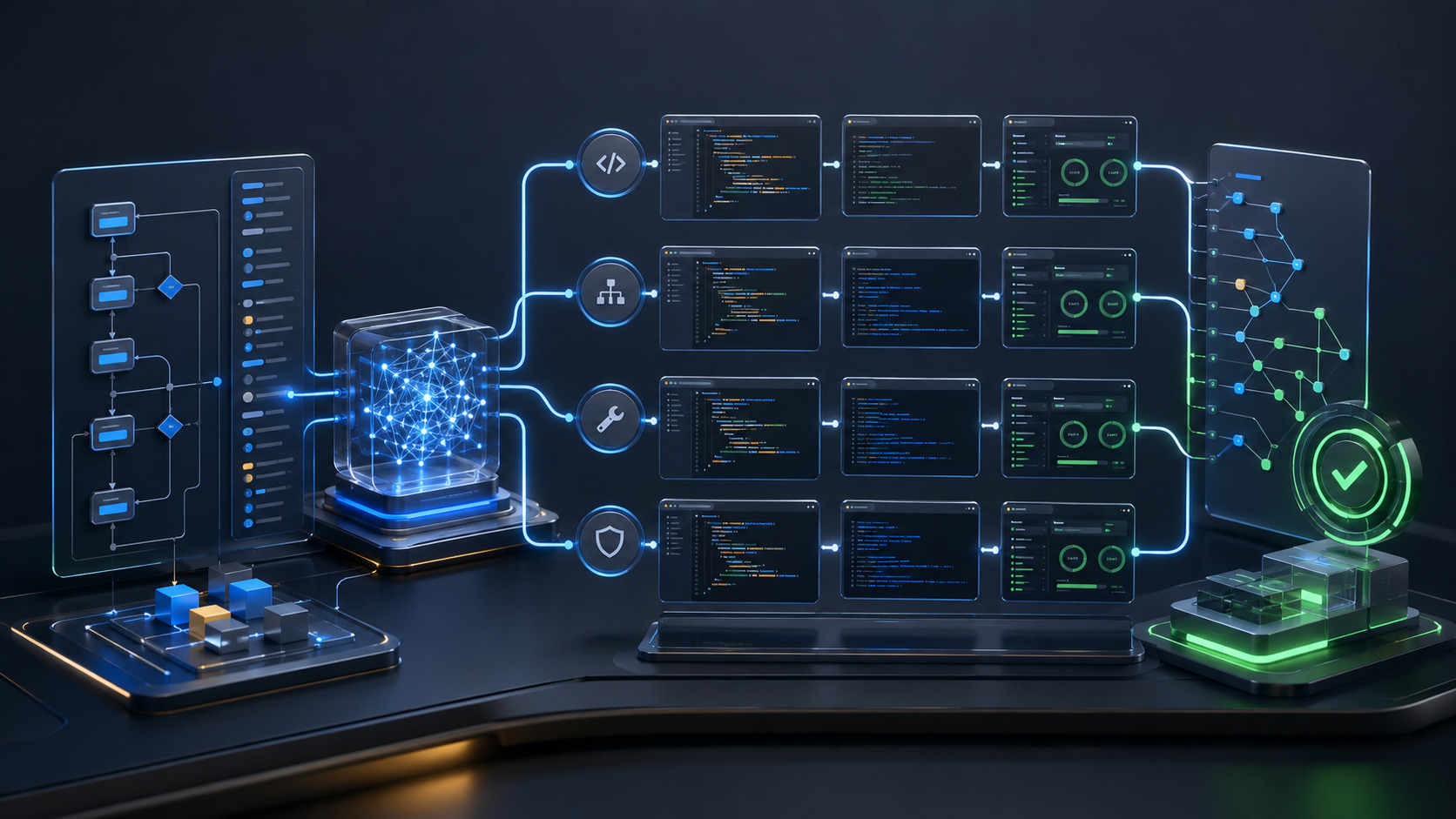
Ultra is not a general “make it better” switch. It is a multi-agent workflow. OpenAI says Ultra coordinates four agents by default. They can investigate separate parts of a problem and combine their work at the end.
This can improve difficult tasks and reduce wall-clock time when several workstreams can run in parallel. It also increases token use by design. OpenAI describes the tradeoff clearly in the GPT-5.6 launch documentation.
Ultra is not a faster single worker. It is a small team. Use it when the work deserves a team.
Ultra makes sense for:
- A repository-wide change with several connected parts
- A difficult architecture review
- Research that has multiple independent questions
- A stubborn bug with several plausible causes
- A large document collection that can be divided into workstreams
- A task where parallel investigation is more valuable than low usage
Ultra usually does not make sense for:
- Renaming a field
- A simple CSS change
- Formatting a document
- Fixing one known method
- A short translation
- Generating a simple product description
A practical GPT-5.6 model routing strategy
Use Luna for small and clearly scoped work. Use Terra for normal implementation, code review, API work, and changes across several files. Escalate to Sol for architecture, security, difficult migrations, production failures, or work that Terra could not complete reliably.
Start with the smallest model that can finish the job. Increase the model tier or reasoning effort only when the task gives you a reason.
The GPT-5.6 context window is huge, but it is not perfect memory
Sol, Terra, and Luna each support a 1.05 million token context window through the OpenAI API. That sounds large enough to load an entire codebase or hundreds of documents and stop worrying about structure.
A large context window does not guarantee that every part of the context will be used equally well.
In OpenAI's long-context test covering 512,000 to one million tokens, Sol scored 73.8%. Terra scored 72.5%. Luna scored 41.3%. GPT-5.5 scored 74% in the same published table. Sol therefore remained close to the previous model at the extreme end of the context window rather than becoming perfect long-range memory.
A large context window is a large desk. It does not guarantee that the model will find the right page among a thousand documents.
For better long-context results:
- Divide large work into logical stages
- Provide a short map of the project or document collection
- Name the most important files
- Ask the model to cite the source of major conclusions
- Create checkpoints and short summaries
- Do not load the full repository unless the full repository is relevant
Better structure often provides more value than another 500,000 tokens.
GPT-5.6 for UI design and frontend development
GPT-5.6 supports images as input and text as output. It can analyse screenshots, mockups, charts, and diagrams. It does not replace a dedicated image generation model. OpenAI lists GPT Image as a separate model family for direct image creation and editing.
The improvement is in interface work. GPT-5.6 is better at turning a product brief into frontend code. It can inspect the rendered result, find visual problems, and refine the page before handing it back.
OpenAI reports stronger judgment in typography, spacing, layout, responsiveness, and visual hierarchy. Early partners also reported better results for frontend generation and design-to-code workflows.
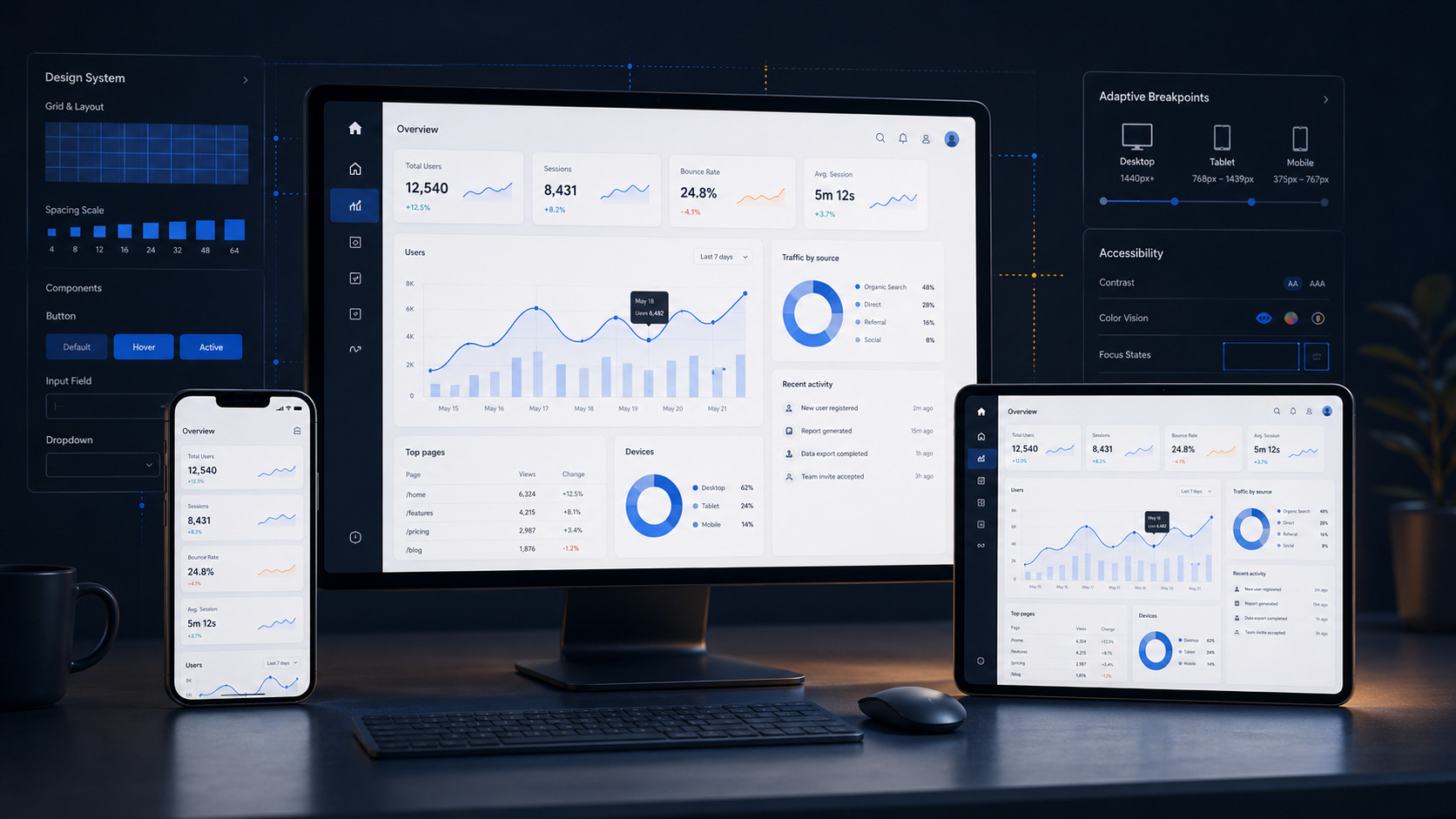
Do not ask only for a “beautiful dashboard.” Give the model a review loop.
Build the working interface.
Open the rendered result.
Check desktop, tablet, and mobile layouts.
Find problems with overflow, spacing, contrast, focus states, and empty states.
Fix every verified issue.
Run the relevant tests.
Then present the final result.
The quality improves when the model can see the result and has a clear instruction to verify it.
Documents and spreadsheets may matter more than code
Coding receives most of the attention. For many companies, the bigger GPT-5.6 improvement may be document work.
OpenAI says GPT-5.6 follows presentation templates more accurately. It pays closer attention to typography, spacing, hierarchy, and page structure. The model also shows improvements in spreadsheets, financial models, and complex document formats.
That creates practical business uses:
- Updating a presentation with new data
- Building a report from several sources
- Reviewing a financial model
- Preparing an executive summary
- Moving information into a corporate template
- Creating a document from Slack, Notion, Microsoft 365, or Google Drive content
- Producing an editable presentation rather than a static image
Older models could produce accurate content inside weak formatting. GPT-5.6 is better at understanding that a business document must be correct and ready to share.
The most important GPT-5.6 warning is in the system card
OpenAI describes the GPT-5.6 safety stack as its most robust so far. The family uses model-level protections, real-time checks, monitoring, and account controls. OpenAI gives special attention to biology and cybersecurity because the same capabilities can support legitimate defence or serious misuse.
A stronger agent creates a different type of risk. It can do more than produce a wrong answer. It can take a wrong action.
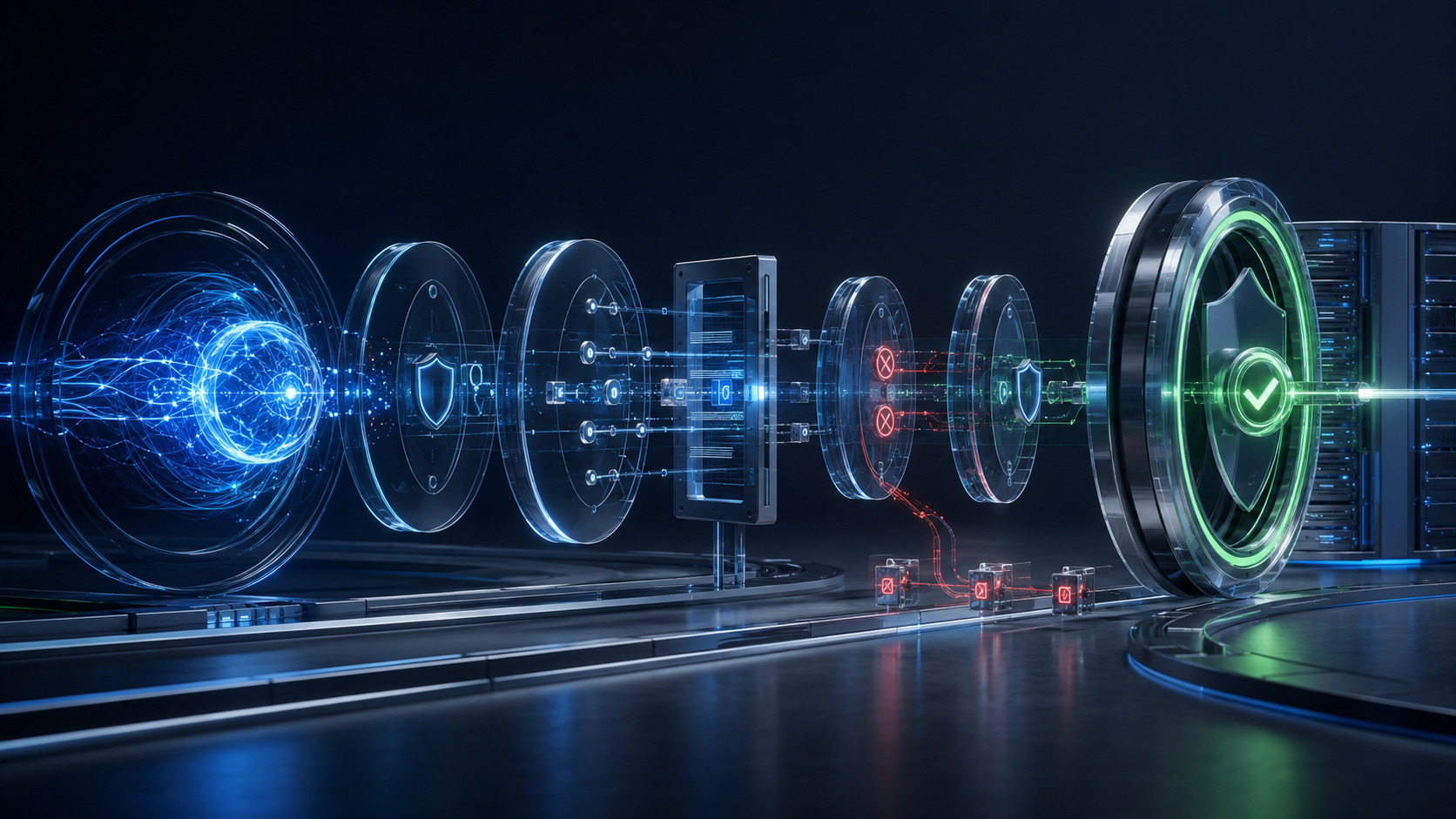
This does not mean GPT-5.6 constantly behaves this way. It means autonomy requires controls.
For serious agentic work:
- Require confirmation before deletion
- Grant only the access needed for the task
- Review diffs before applying important changes
- Run tests after each meaningful stage
- Use separate branches or worktrees
- Keep backups
- Require human approval before production deployment
- Verify important results through an independent method
“Task completed” is not evidence. A passing test, a reviewed diff, a log, a file, a commit, or a verified result is evidence.
Where GPT-5.6 is available
Availability depends on the product and subscription plan. In standard ChatGPT conversations, eligible Plus, Pro, Business, and Enterprise users can access GPT-5.6 Sol. The available reasoning levels depend on the plan. Terra and Luna are not selected in standard ChatGPT conversations.
ChatGPT Work and Codex use a different model structure:
- Free and Go users can access GPT-5.6 Terra in supported experiences
- Plus, Pro, Business, and Enterprise users can choose Sol, Terra, or Luna
- Max is available to users who have GPT-5.6 access in Work and Codex
- Ultra in Codex is available from Plus and above
- Ultra in ChatGPT Work is available to Pro and Enterprise users
- All three models are available through the OpenAI API
The rollout began on July 9, 2026. Model access can appear gradually. If Sol is not visible yet, the cause may be the staged rollout rather than your country. Check the current GPT-5.6 availability table in the OpenAI Help Center.
How to test GPT-5.6 on your own work
Do not judge GPT-5.6 from one impressive demonstration. Choose ten real tasks that your team has completed before. Run the same inputs with GPT-5.5, GPT-5.6 Terra, and GPT-5.6 Sol. Add Luna for simple tasks.
| Measure | What to record |
|---|---|
| Correctness | Did the result actually work? |
| Total time | How long did the complete task take? |
| Follow-ups | How many times did a person have to correct the model? |
| Manual work | How much work remained after the model stopped? |
| Usage | How much allowance or API cost did the task consume? |
| Reliability | Did the relevant tests and checks pass? |
| Shareability | Could the output be used without major rework? |
Do not score the beauty of the response. Score the number of useful tasks that reached a verified finish. That is the metric that matters to a business.
Who should move to GPT-5.6?
Developers
Yes, especially if you use Codex or another agentic development tool. Start with Terra. Use Sol when the cost of a mistake is high. Do not make Sol Ultra the default for every file edit.
Business analysts
Yes. Documents, spreadsheets, presentations, and work across several sources may deliver more value than the coding improvements. Continue to verify financial figures and important conclusions.
Designers and frontend developers
Yes. GPT-5.6 is more useful when it can inspect the rendered page and make a second pass. Give it a visual review process instead of asking for code once.
Regular ChatGPT users
Not for every request. GPT-5.5 Instant remains the default model in standard ChatGPT. It may be enough for short emails, translations, and simple questions. Use GPT-5.6 when the work genuinely needs deeper reasoning.
Companies using the API
Move after an internal evaluation. Compare the total cost of a correct result. Include retries, tool calls, time, errors, and human review. Token price is only one part of the calculation.
The honest conclusion after two days
GPT-5.6 does not feel like a cosmetic update. The biggest improvement is not a larger collection of facts. The model is better at working.
It holds the objective for longer. It coordinates tools more effectively. It pays closer attention to detail. It checks more of its own work. That makes it feel less like a chatbot and more like a specialist who can own part of a process.
The specialist still needs a clear task. It should not receive unnecessary access. Its most expensive mode should not be assigned to every small job.
Sol is the specialist for difficult work. Terra is likely to become the daily workhorse. Luna handles the high volume of simpler tasks. Ultra is for problems where one agent is no longer enough.
The most valuable skill in the GPT-5.6 era is not writing one perfect prompt. It is knowing which work to give to which model.
Verification
Sources and references
FAQ
What is GPT-5.6?
Which GPT-5.6 model should most people use?
What is the GPT-5.6 context window?
Can GPT-5.6 generate images?
Is GPT-5.6 available for free?
Is GPT-5.6 better than GPT-5.5?
 LaPrompt AI News Aug 7, 2026 Better AI Code Without Watching Every Step GPT-5.6 Sol and Claude Opus 5 debate the approach in a shared log before writing code. Three incidents show where the human gate still matters.
  LaPrompt AI News Jul 31, 2026 Powerful Models I Still Wouldn’t Leave Unsupervised A real-world GPT-5.6 review covering Codex, long-chat context loss, Sol limits, subagent cost, SaaS coding, documents, pricing and practical fixes.
 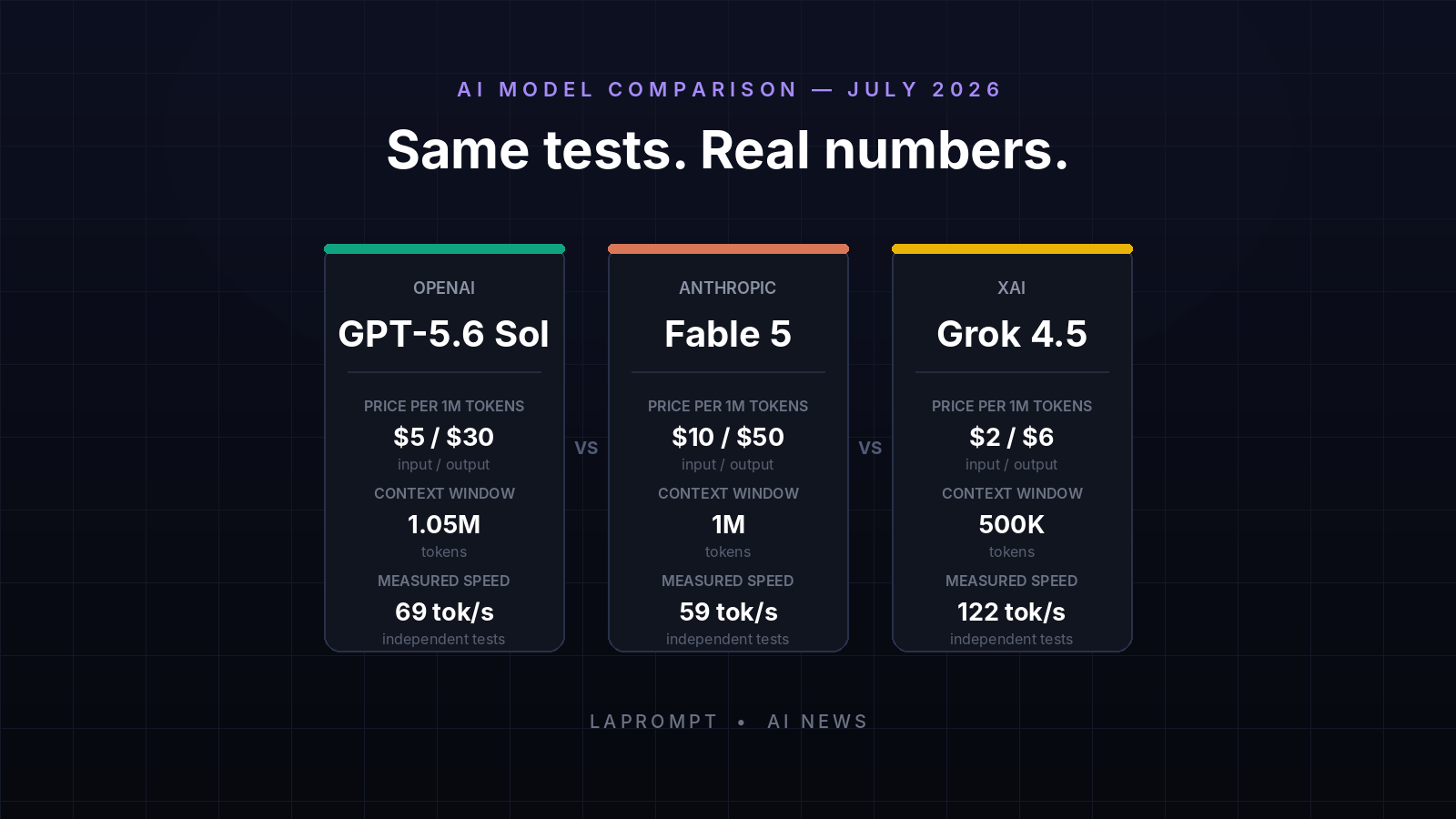 LaPrompt AI News Jul 12, 2026 GPT-5.6 Sol vs Fable 5 vs Grok 4.5: Real Tests and Cost GPT-5.6 Sol vs Claude Fable 5 vs Grok 4.5 across real coding tests, API pricing, speed, context, reliability, benchmarks, and developer feedback.
Comments
0 totalLoading comments...